Qt / C++ infos
-
Security advisory: CVE-2026-15037 - XML injection vulnerability in QDom comment, CDATA and processing-instruction serialization
An XML injection (improper output neutralization) vulnerability in the Qt XMLQDom comment, CDATA section, and processing-instruction serialization of the Qt Framework (QtXml module) has been discovered and has been assigned the CVE id CVE-2026-15037.
-
Security advisory: Out-of-bounds read vulnerability in QTextCodec::codecForName() in Qt
An out-of-bounds read (buffer over-read) vulnerability in the QTextCodec::codecForName() function of the Qt 5 Core Compatibility APIs (the Qt5Compat module) has been discovered and has been assigned the CVE id CVE-2026-9499
-
Qt for MCUs 2.12.2 LTS Released
Qt for MCUs 2.12.2 LTS has been released and is available for download. This patch release provides several bug fixes and other improvements while maintaining source compatibility with Qt for MCUs 2.12 (see Qt for MCUs 2.12 LTS released). This release does not add any new functionality however as part of a continuous effort to scale Qt for MCUs to more platforms new Tier-2 board Nuvoton Gerda-4L is now available.
-
A Cross-Platform Rust UI Framework via Qt’s Bridging Technology
Rust has achieved something extraordinary: it genuinely excites people to write software. But when it comes to building a real user interface, the ecosystem is still finding its footing. There are numerous options to pick your Rust UI framework from, including those gaining traction, like Iced and egui. Most of the available UI frameworks, however, are still establishing themselves in production environments and fall short in feature-richness. Qt Bridges, a bridging technology in public beta for Rust, brings something different to the table: over three decades of real-world use, commercial support, and a framework that already runs in automotive dashboards, medical devices, and industrial systems worldwide. Qt Bridge for Rust makes that maturity available to Rust developers, providing access to a UI framework that lets you keep your Rust codebase while using Qt Quick’s feature-rich UI libraries and APIs, hardware acceleration, and genuine cross-platform support.
-
Qt Bridges: Public Beta for the Rust Bridge Is Out!
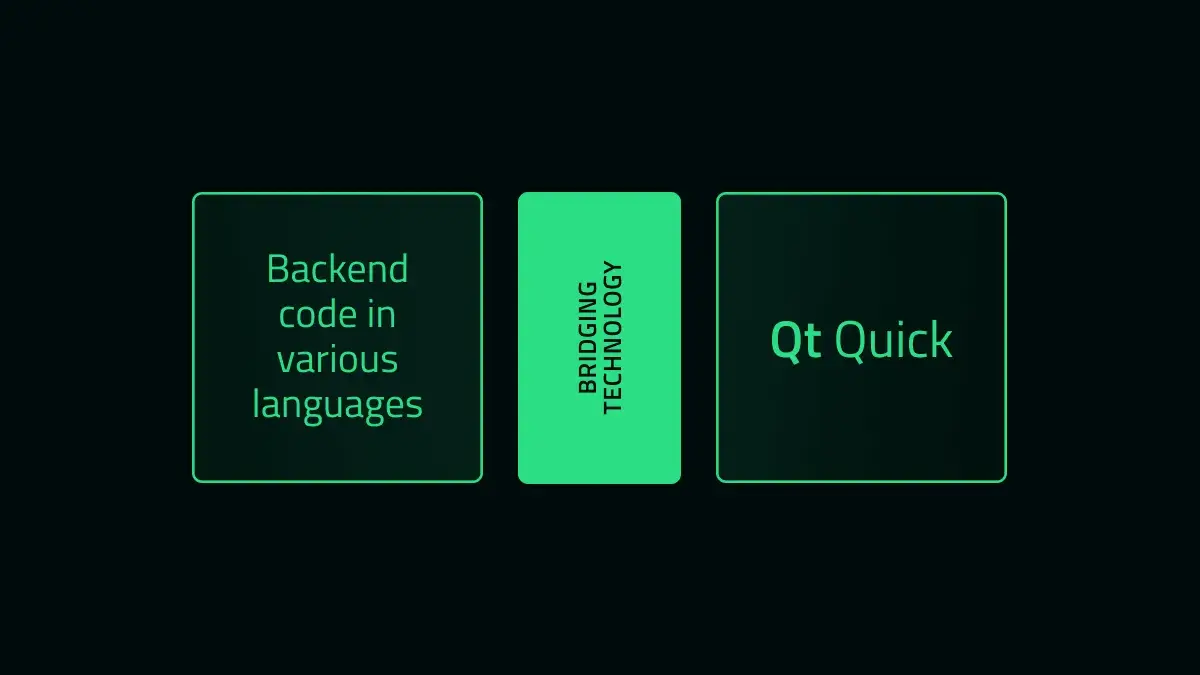
Qt Bridges is a project we have been developing since 2025 to bring Qt’s UI framework capabilities to other programming languages, without going through the full set of bindings. The focus is on the interaction with backend data objects, seamlessly integrated as QML components in a Qt Quick interface.
-
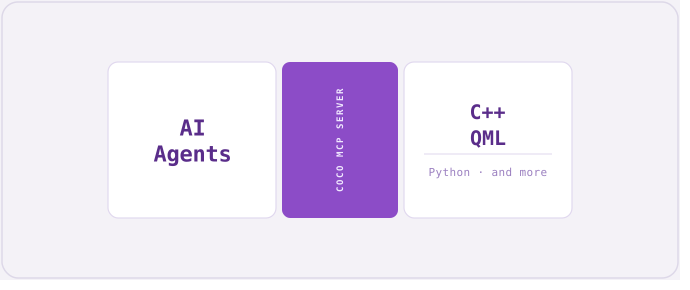
Introducing the Coco MCP Server Preview
Authors: Otso Virtanen and James Vance
The Context Problem in Test Case Generation
Generating tests is one of the most common practical use cases for AI coding agents. However, without runtime code coverage data, an AI coding agent reasoning about test gaps must statically analyze source files and test files to infer what is likely covered. This is unreliable: the agent cannot distinguish between a function that is called indirectly through several layers and one that is never reached, nor can it detect dead code reliably.
-
Qt Canvas Painter: Accelerated performance using paths
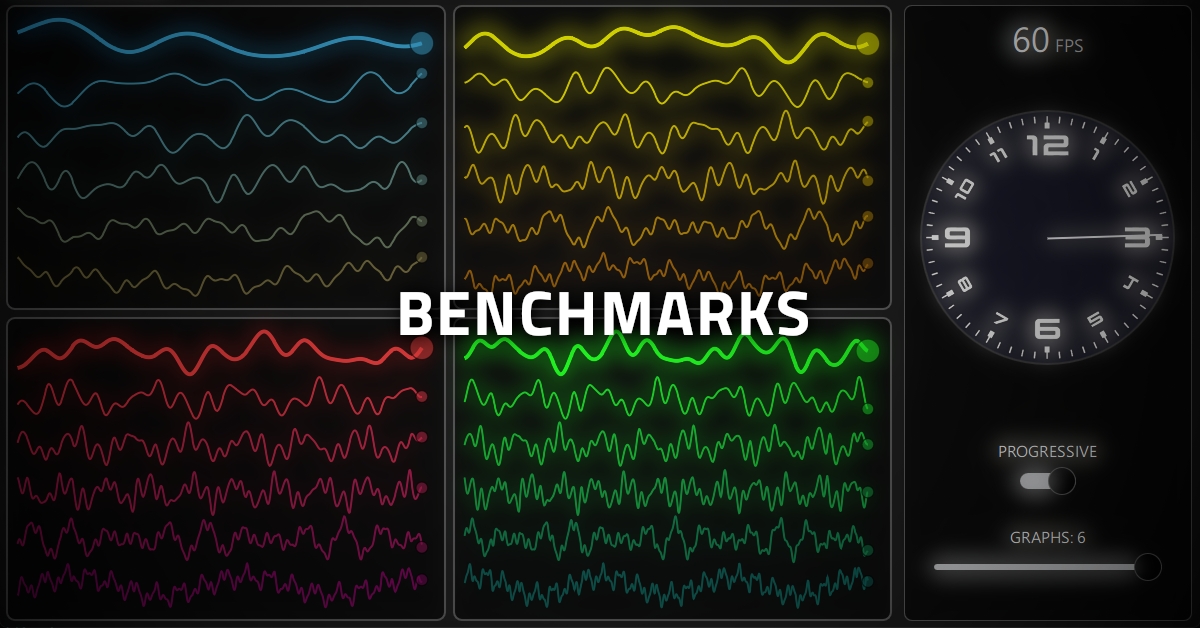
For those who are not yet familiar with the new Qt Canvas Painter, please check the previous blog posts:Introduction,new features, andperformance measurements. This blog post introduces paths and path groups to further improve the performance.
-
Qt Bridges: C# Bridge 0.3.0 Beta Released!
Qt Bridges aim to bring Qt’s UI framework capabilities to commonly used programming languages, like C#, in a way that is familiar to developers using these languages. After the public Beta release, we've continued working on the C# bridge, adding new features and making improvements based on the feedback that we've received. Today we are announcing the release of a new Beta version 0.3.0, including some of these recent additions.
Learn how to start using Qt as your nextC# UI framework, try it out, and send us your feedback.
-
A Cross-Platform C# UI Framework via Qt’s Bridging Technology
Every C# UI framework comes with a familiar pattern: Windows-first, Linux absent, roadmap uncertain. WPF stalled, MAUI skipped Linux, WinUI 3 stays Windows-native. At the same time, demand for embedded Linux grows and C# teams feel the lack of good UI alternatives for C# on Linux. Qt Bridges, a bridging technology in public beta for C#, provides access to a UI framework that allows preserving your existing C# codebase while utilizing Qt Quick’s feature-rich UI libraries and APIs, hardware acceleration, and cross-platform capability.
-
Introducing the Qt Project CMake Skill for AI Agents
The Challenge: CMake and Qt - Powerful Together, Tricky in Practice
The gap between “CMake that compiles” and “CMake that is correct” can be sometimes significant. CMake has been Qt’s official build system since Qt 6.0, and the pairing is genuinely capable: a well-configured Qt CMake project supports cross-platform builds, incremental QML compilation, seamless C++/QML integration, and deployment-ready install targets. But getting there requires mastering a build API that has evolved rapidly across Qt 6 minor releases - and that evolution is precisely where things can become challenging for Large Language Models, especially older or smaller models.